 SmartReview
Just scan a QR code.
A gentle assist for customer reviews.
The super handy tool that lowers the barrier to leaving a review — for your store.
Supports 34 languages (auto-detected from your device)

Leaving a review should feel effortless.
How customers use it (3 simple steps)
Scan the QR code

Tap a few options

Post to Google

That's all it takes
Your store

Just set out the QR code
Your customer

Posts in a few taps
Getting started
Three steps from signing up to your first customer review.
Connect with Google Maps
Right after you click Sign up, you connect your store to its Google Maps listing.
Search & connect your store
Uses your info straight from Google Maps
Riverside Café
★4.6 · 128 reviews
123 Main St, Austin, TX…
Takes just a few seconds
Get your QR code
As soon as you sign up, SmartReview issues a QR code just for your store — ready to download.
You're all set!
Your store's QR code
Print it out and you're ready
Set it out for customers
Print the QR code and place it on tables, at the register, or anywhere customers will see it.
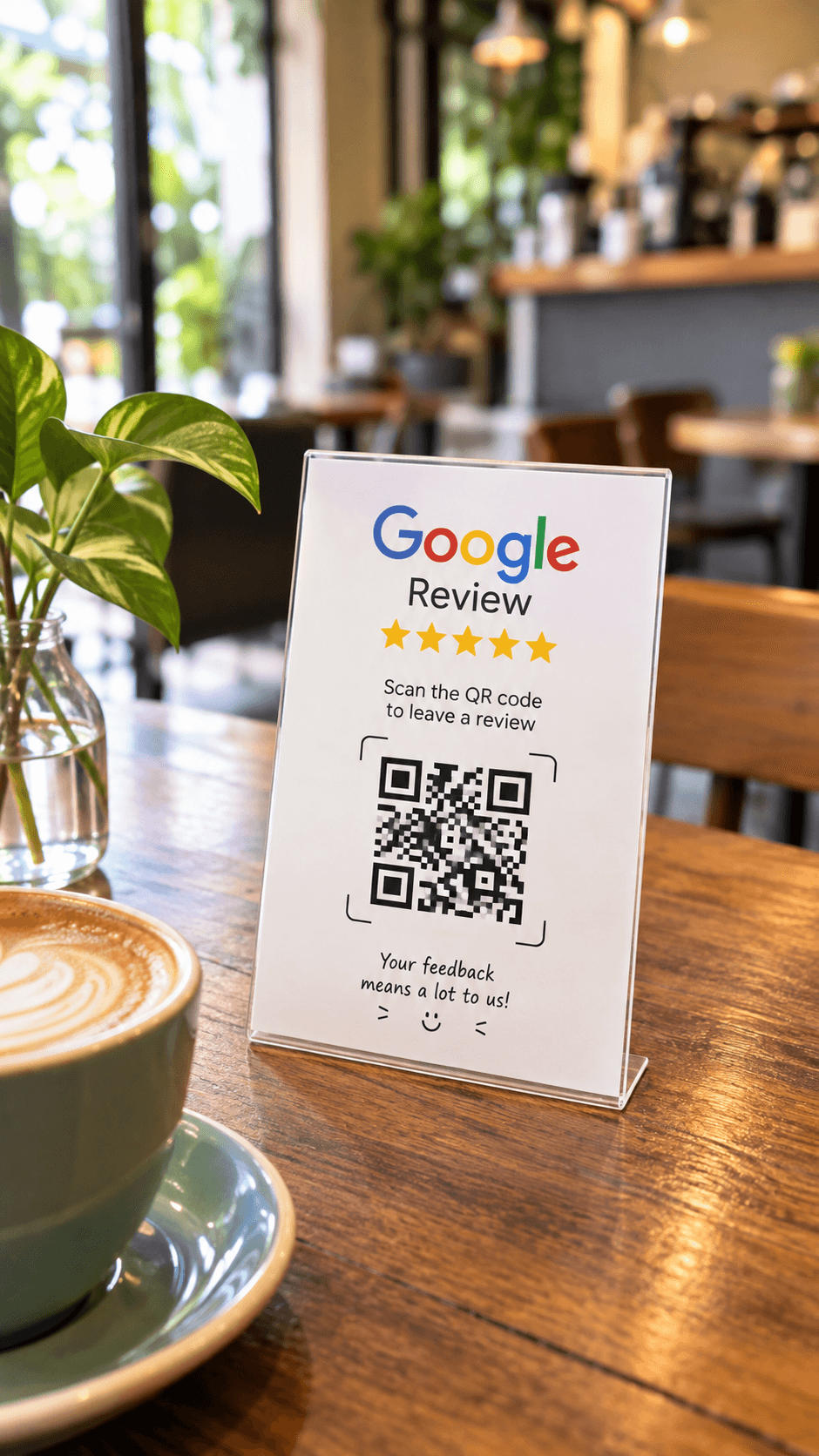 Place it on tables or at the register
Pricing
First month free
(then $9.99/mo after your free trial)
Unlimited use, no extra charges.
Cancel anytime